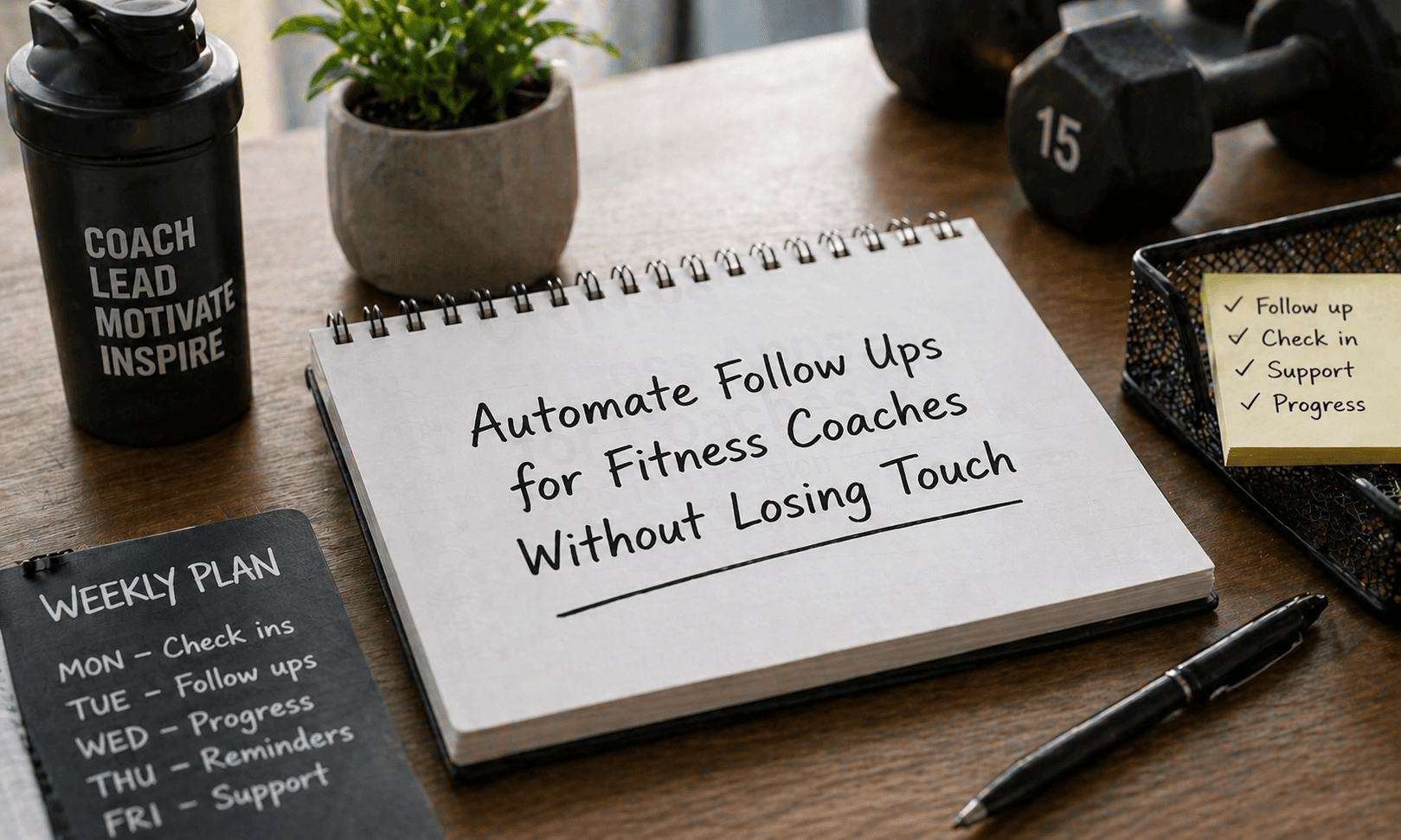

Automate Follow Ups for Fitness Coaches Without Losing Touch
Follow-ups and check-ins decide how long clients stay. But doing them manually every day does not scale. Most coaches try to keep it personal. The result is missed messages, late replies, and inconsistent tracking. Automation works when it is structured and controlled.
Why Manual Follow-Ups Stop Working
As your client list grows, small gaps start to show.
Messages get delayed during busy days.
Some clients get less attention over time.
Progress updates become inconsistent quickly.
Repeated tasks take too much effort daily.
Important client signals are easy to miss
This is where a CRM for fitness coaches helps bring order.
What Automation Should Actually Do
Automation is not about removing interaction. It is about making sure no client is ignored.
A CRM for fitness coaches helps you:
Trigger follow-ups based on client behaviour
Schedule weekly and daily check-ins.
Track responses without manual effort
Keep communication consistent across clients.
Reduce time spent on repetitive tasks.
You stay focused on coaching while systems handle routine work.
What to Automate First for Quick Results
Instead of automating everything, start with tasks that repeat daily.
Follow-ups after missed workouts are triggered.
Weekly progress check-ins are scheduled automatically.
Onboarding messages are sent without delay.
Inactivity alerts based on client behaviour.
Reminder messages for habit tracking consistency.
These actions give you immediate control without complexity.
Simple Automation Setup
You do not need a complex system to start. Focus on timing and flow.
Onboarding message triggered right after signup.
Check-ins are scheduled at fixed weekly intervals.
Follow-ups sent based on client inactivity.
Reminders timed around workout schedules.
Progress updates are delivered at set intervals.
This creates a system that runs quietly in the background.
Manual vs Automated Check-Ins
The difference becomes clear once you compare effort and consistency.
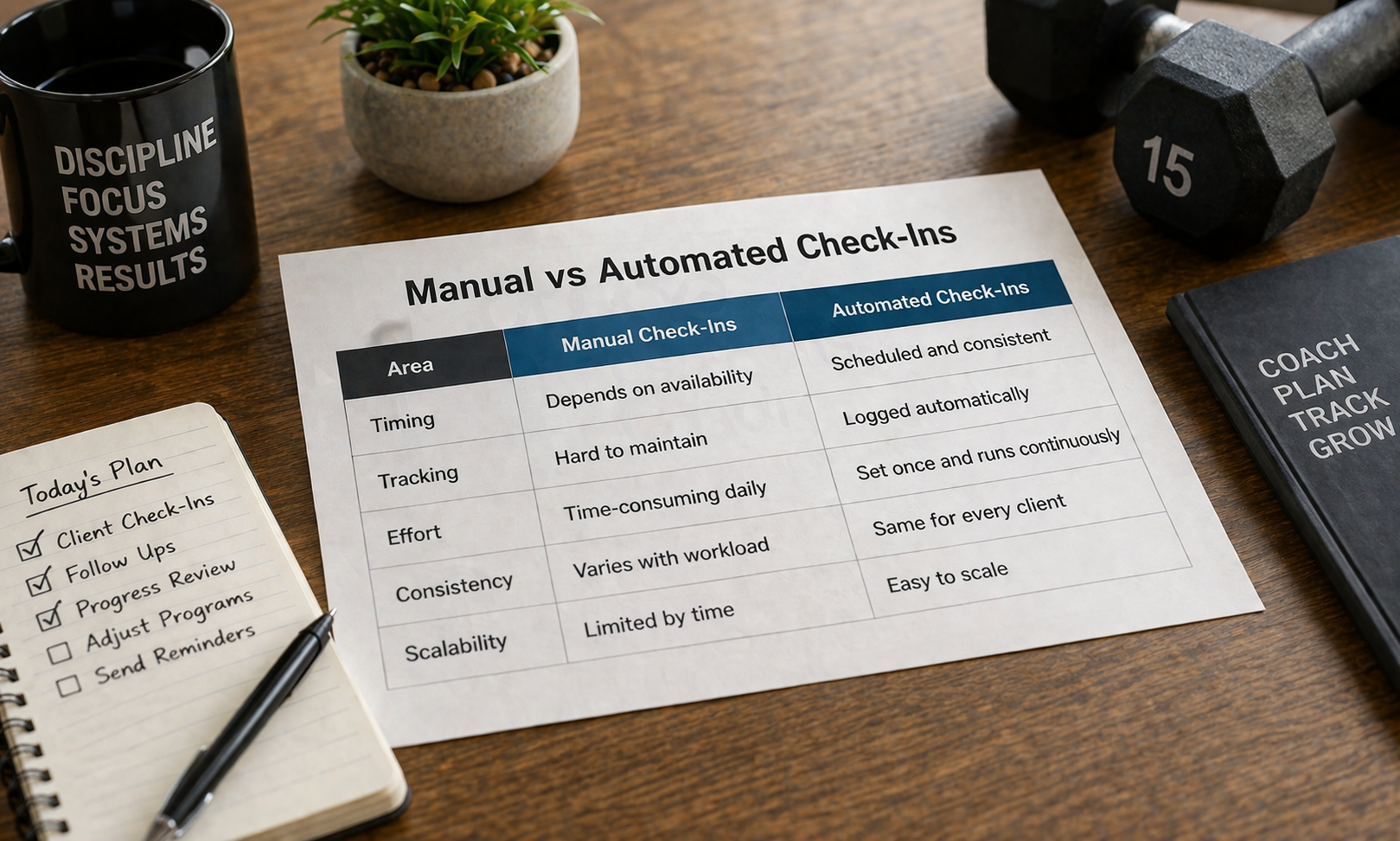
Area | Manual Check-Ins | Automated Check-Ins |
Timing | Depends on availability | Scheduled and consistent |
Tracking | Hard to maintain | Logged automatically |
Effort | Time-consuming daily | Set once and runs continuously |
Consistency | Varies with workload | Same for every client |
Scalability | Limited by time | Easy to scale |
How to Keep It Personal
Automation only works when messages feel relevant.
Use client names in every message.
Refer to recent activity or progress.
Set triggers based on client behaviour.
Keep tone simple and conversational.
Mix automated and manual replies.
A CRM for fitness coaches allows this without extra effort.
Automate the routine so you can spend more time where clients actually need your attention.
How do I automate follow-ups without sounding robotic?
Use simple language and include details like names or recent activity. A CRM for fitness coaches helps personalise messages based on behaviour.
What follow-ups should stay manual?
Detailed coaching feedback, sensitive conversations, and client concerns should always be handled manually.
Can automation improve client retention?
Yes. Consistent communication keeps clients engaged and reduces drop-offs caused by missed follow-ups.
How often should I automate check-ins?
Weekly works for most clients, with additional triggers for inactivity or missed sessions.
Is a CRM required for automation?
Yes. A CRM for fitness coaches helps manage triggers, track responses, and keep communication organised.
Related Posts
Manage Fitness Plans for Multiple Clients Efficiently
Learn how to create and manage customized fitness plans for multiple clients using simple systems, tools, and CRM workflows that save time and improve results.
Build a Referral System for Fitness Coaches
Create a referral system for fitness coaching that drives consistent client growth through structured asks, simple rewards, and clear tracking without guesswork